
APRIL HAMILTON | PORTFOLIO
Presentation, Event & Communication Design
Turning complex information into clear, useful materials for leaders, employees, customers, and live audiences.
The job is bigger than the format
A presentation, email, handout, or event graphic is never just a layout. It has to help someone understand the message, trust it, and know what to do next.
I start with the message, audience, channel, and practical constraints. Then I organize the information, establish the visual hierarchy, and build the pieces the communication actually needs. My work has supported executive meetings, employee campaigns, sales conversations, company events, HR programs, training, recruiting, and customer communication. The format changes. The job stays the same: make the information easier to follow and the communication easier to use.
Presentations & executive communication
Leadership decks, quarterly meetings, pitch support, data visuals, speaker materials, and presentation systems.
Employee campaigns & events
Benefits, recognition, recruiting, culture, event communication, invitations, displays, signage, and follow-up.
Templates & multi-channel systems
Reusable presentation, email, newsletter, campaign, intranet, and event materials that give teams a reliable starting point.
One message. Many places it has to work.
A company announcement might begin in a leadership presentation, appear in an employee email, move onto office screens and event signage, and live afterward as an intranet page or downloadable resource. I design the pieces as one communication system so the message does not fall apart when the format changes.
Clarify the message
What matters most, who needs it, and what should happen next?
Build the visual path
Hierarchy, pacing, brand, imagery, and data all point the audience through the information.
Adapt it for the channel
The same message behaves differently in a meeting, inbox, hallway, PDF, or intranet.
Leave something reusable
Templates and shared standards make the next communication faster and more consistent.

FEATURED CASE STUDY
45 slides in three days—without turning the meeting into visual chaos
PCI brought me into an in-progress Canva deck a few days before its August 2026 Quarterly Business Meeting. The immediate assignment was to enter changing content and leave the company with something usable. I worked section by section to improve the deck where the remaining time would make the greatest difference.
Quarterly business meeting · 45-slide working presentation · Three-day schedule · Editable Canva delivery
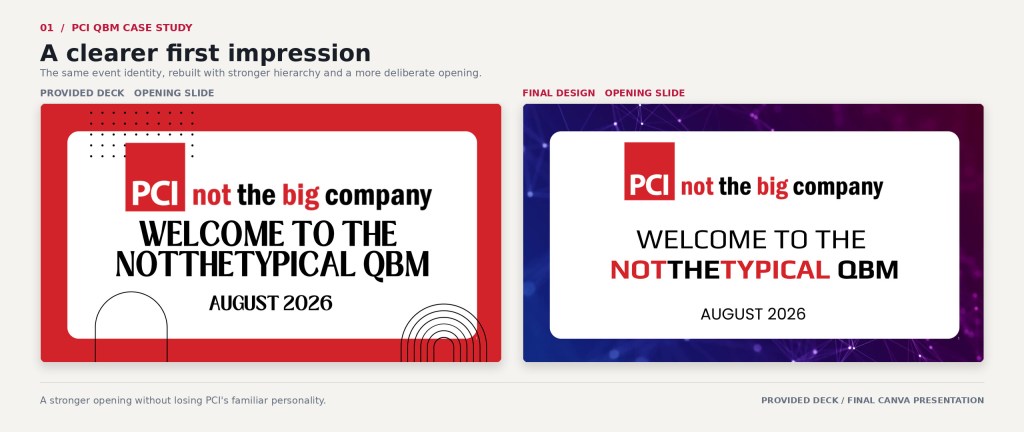
Design judgment under a real deadline
The deck needed energy, but not at the expense of the business content. I created a stronger opening, coordinated section dividers, recognition systems, cleaner reporting slides, and visual moments that gave the meeting personality without making every slide fight for attention.
The finished presentation went beyond the initial production request while keeping the original promise intact: give PCI a strong, editable deck it could use on time.
Selected work, organized by the communication job
The full archive spans years, companies, audiences, and formats. This shorter collection focuses on the pieces that best show how I organize information, create a recognizable visual voice, and prepare communication for real use.
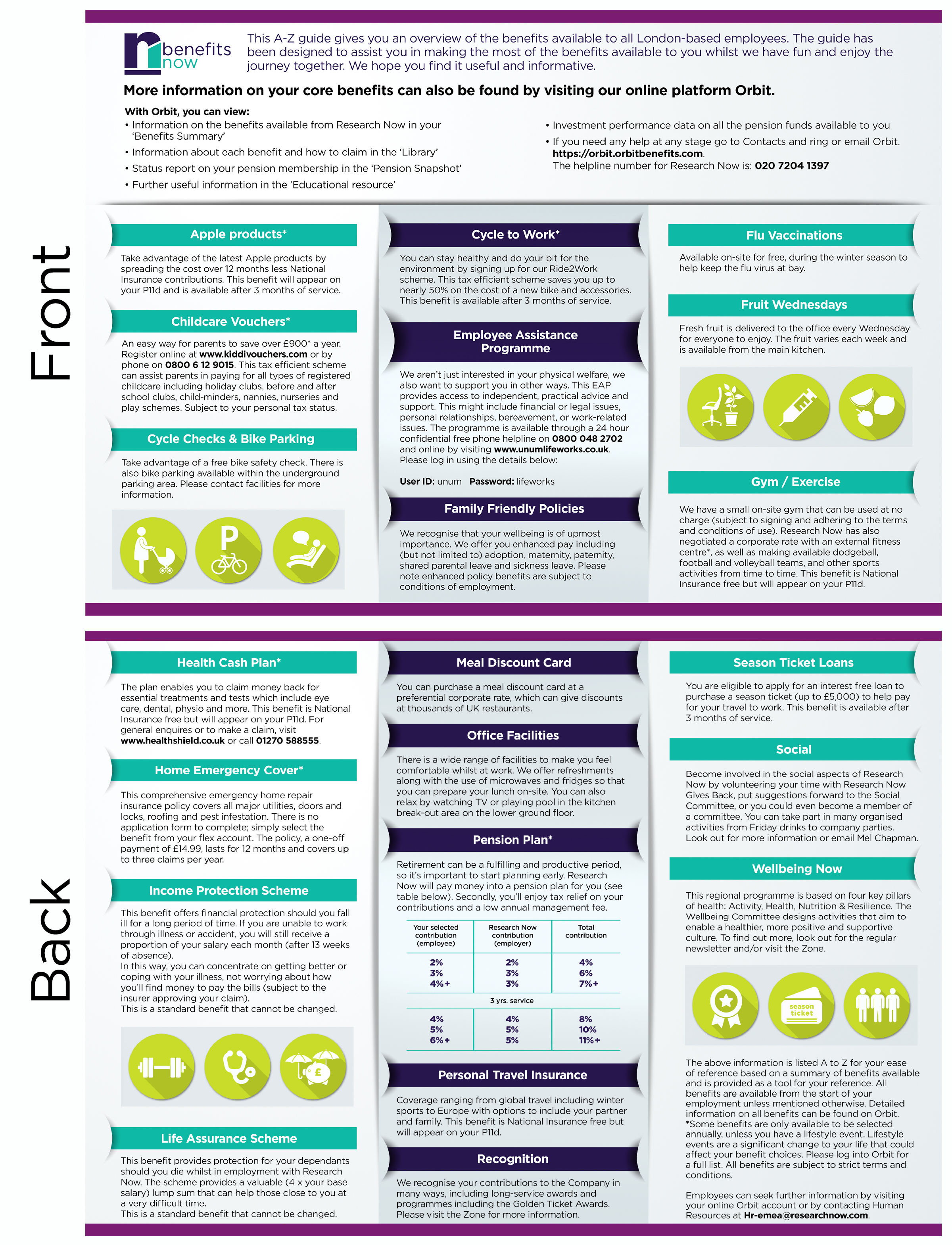
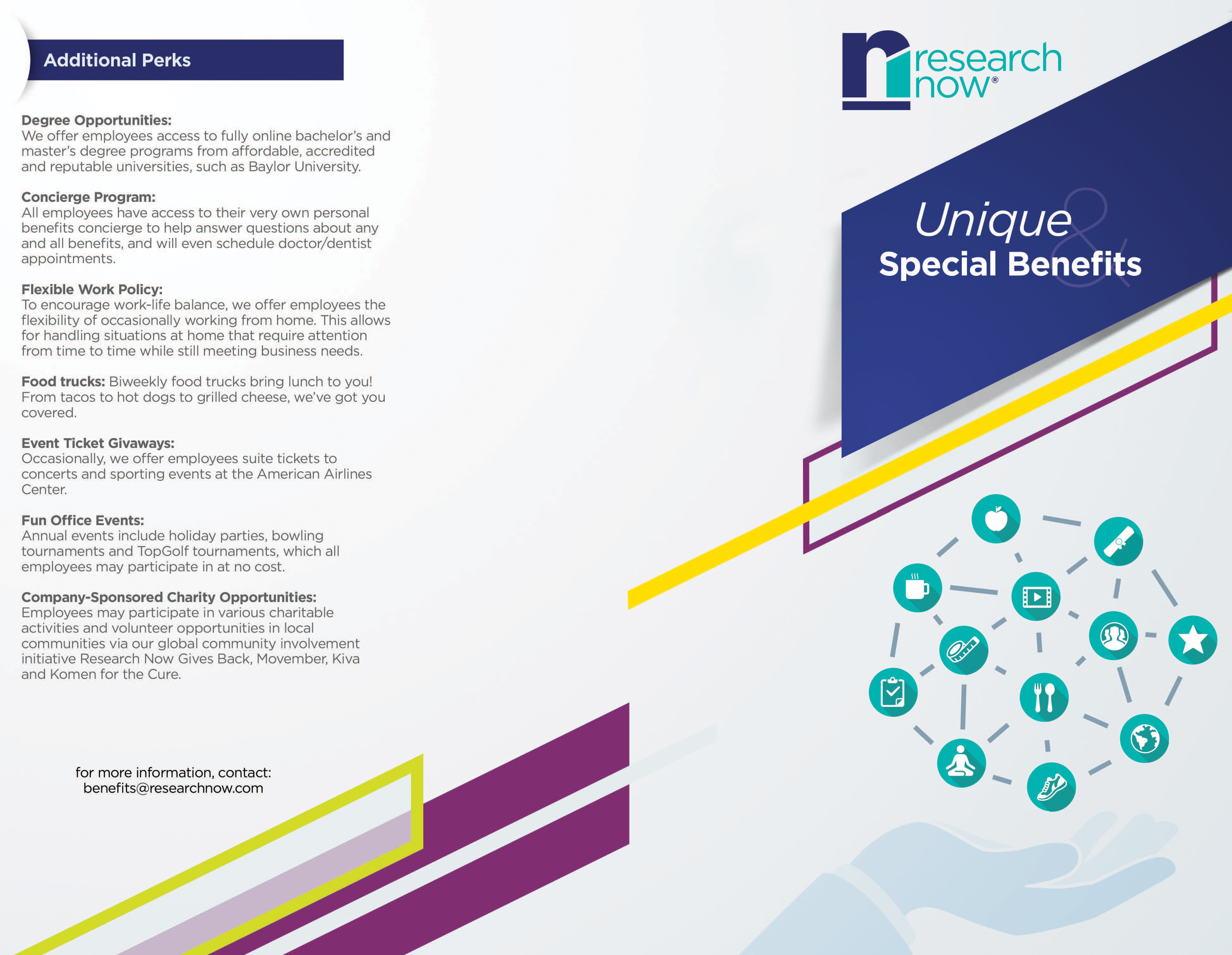
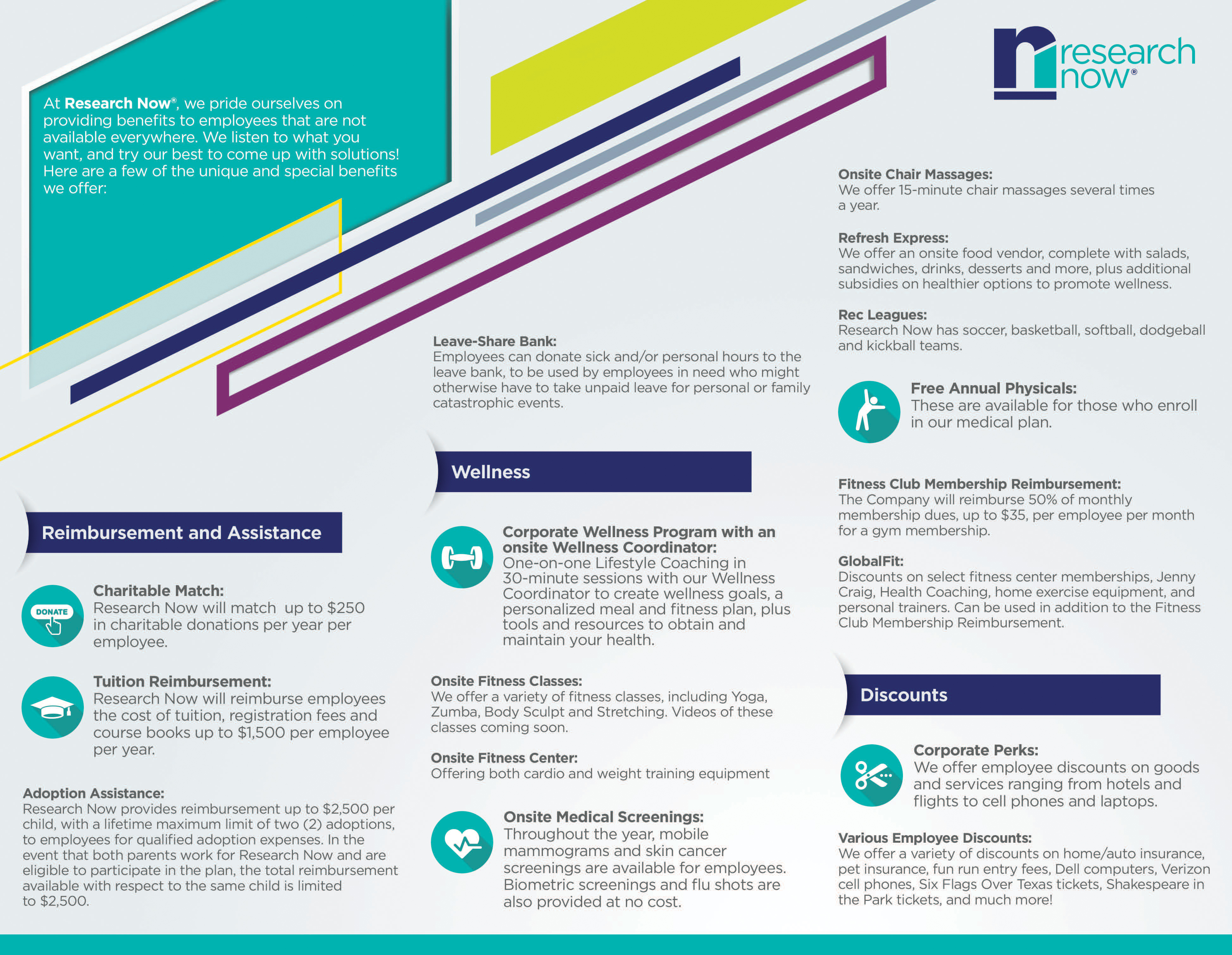
Printed communication with a job to do
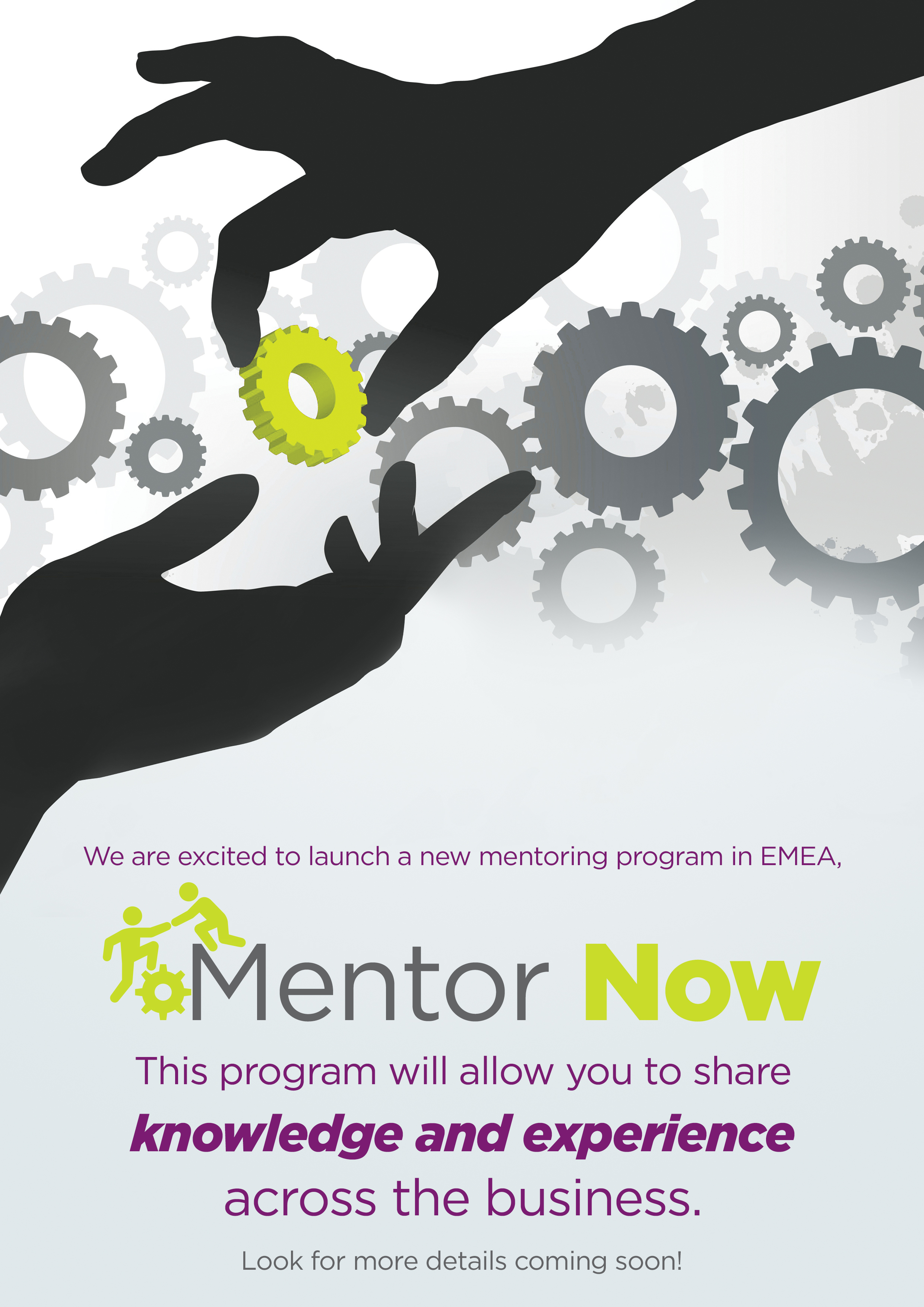
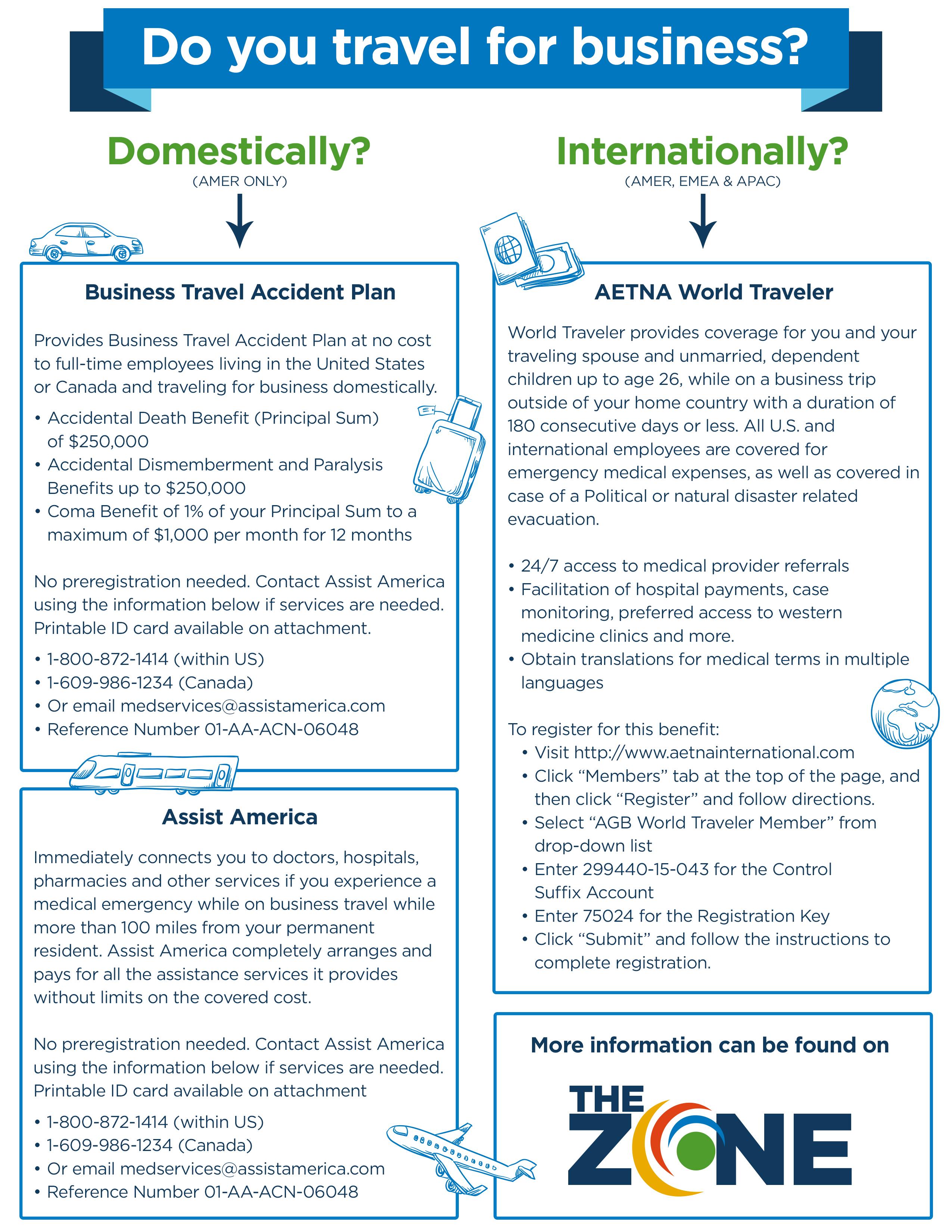
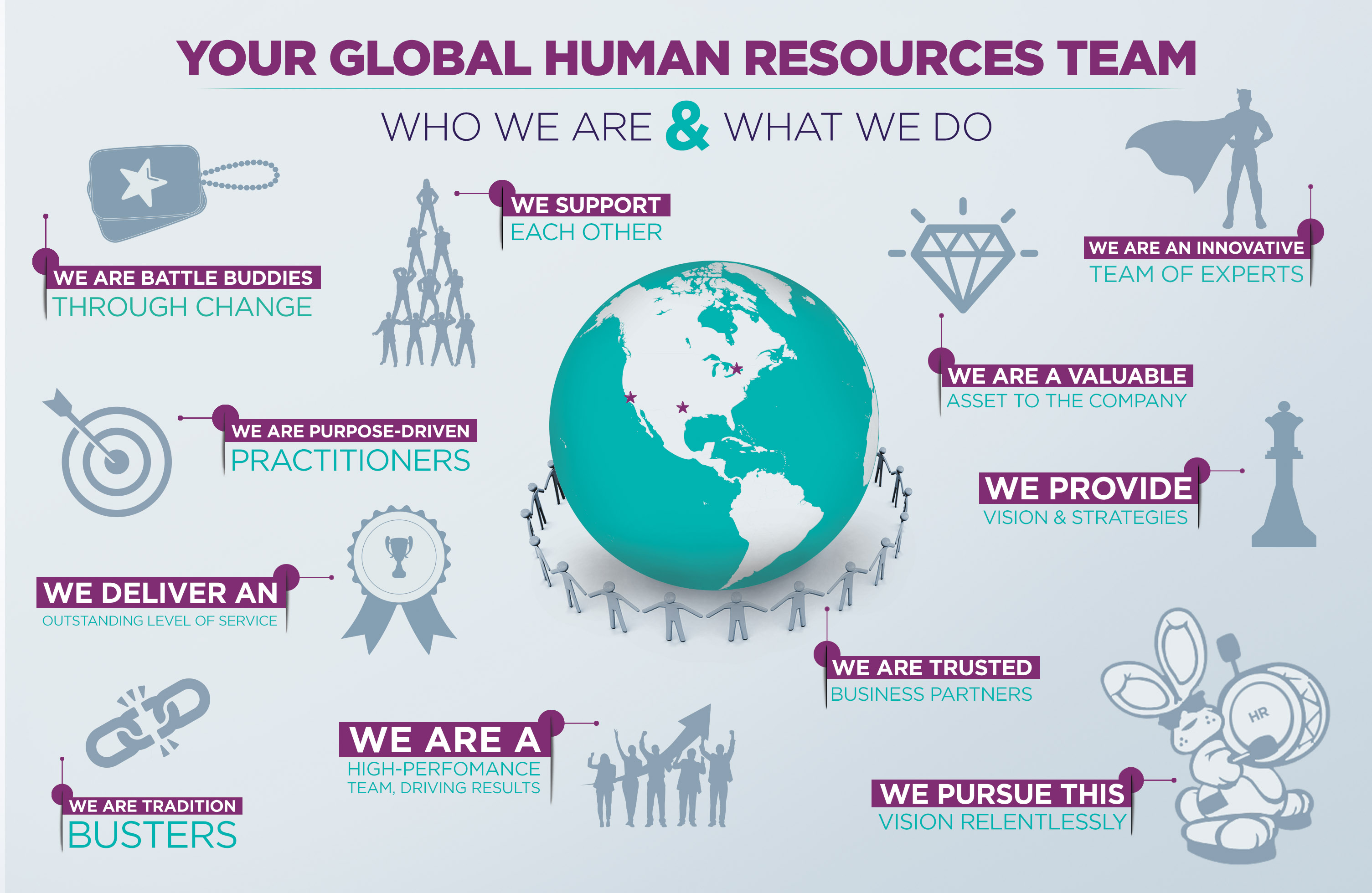
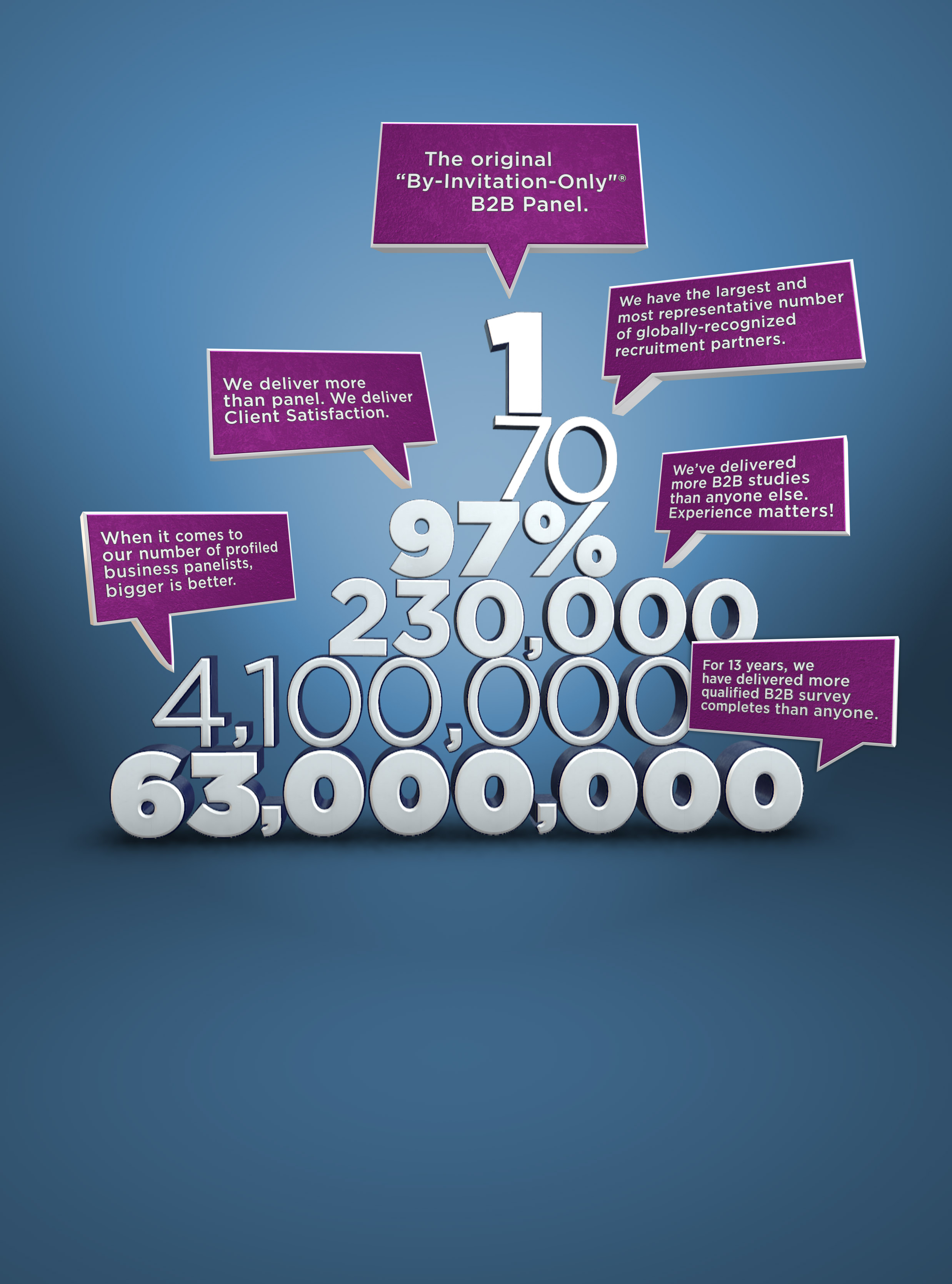
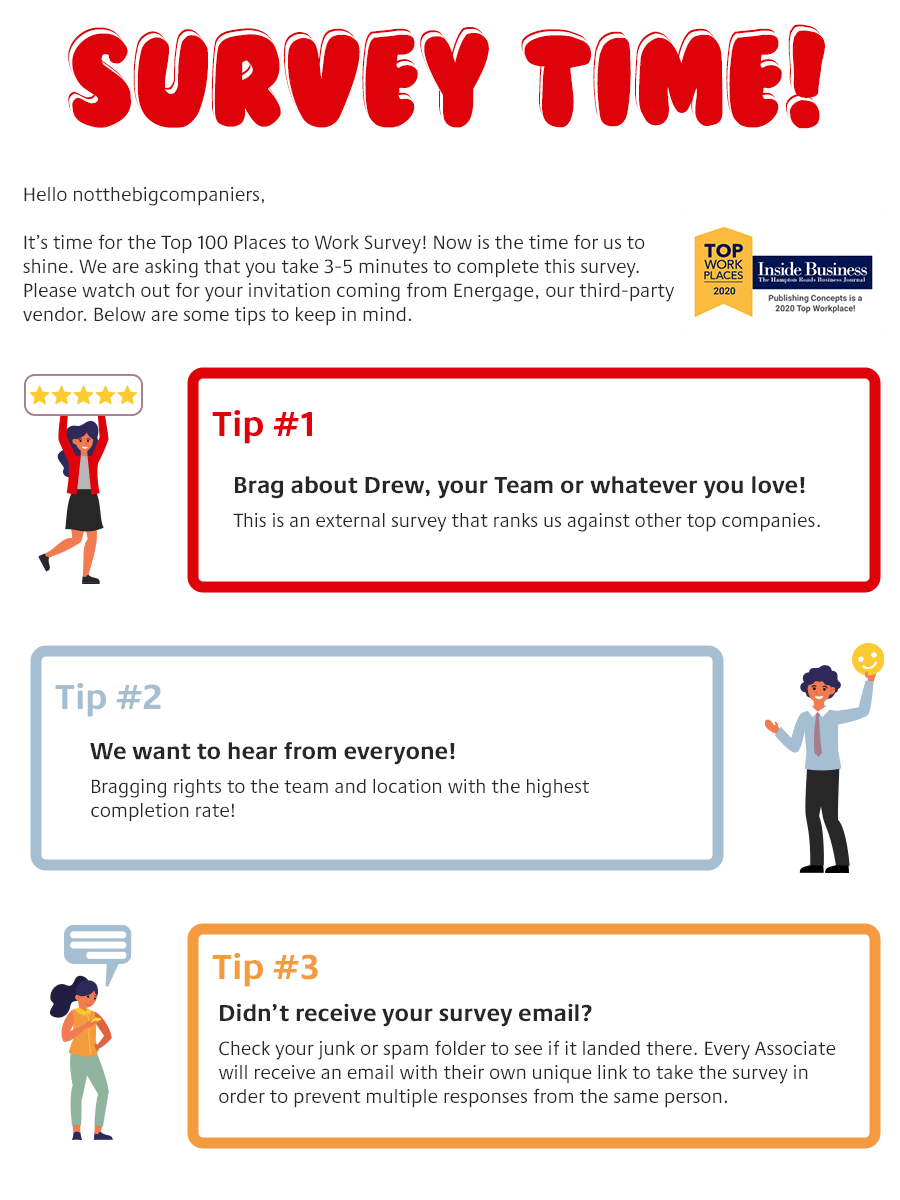
Brochures, posters, flyers, and handouts often carry detailed information into environments where people are busy and attention is limited. These pieces had to support benefits, mentoring, HR, business travel, employee programs, and marketing while remaining easy to scan and ready for production.
Several began as one format and were later adapted for email, PDF, presentation, or digital display.

Campaigns people could recognize and act on
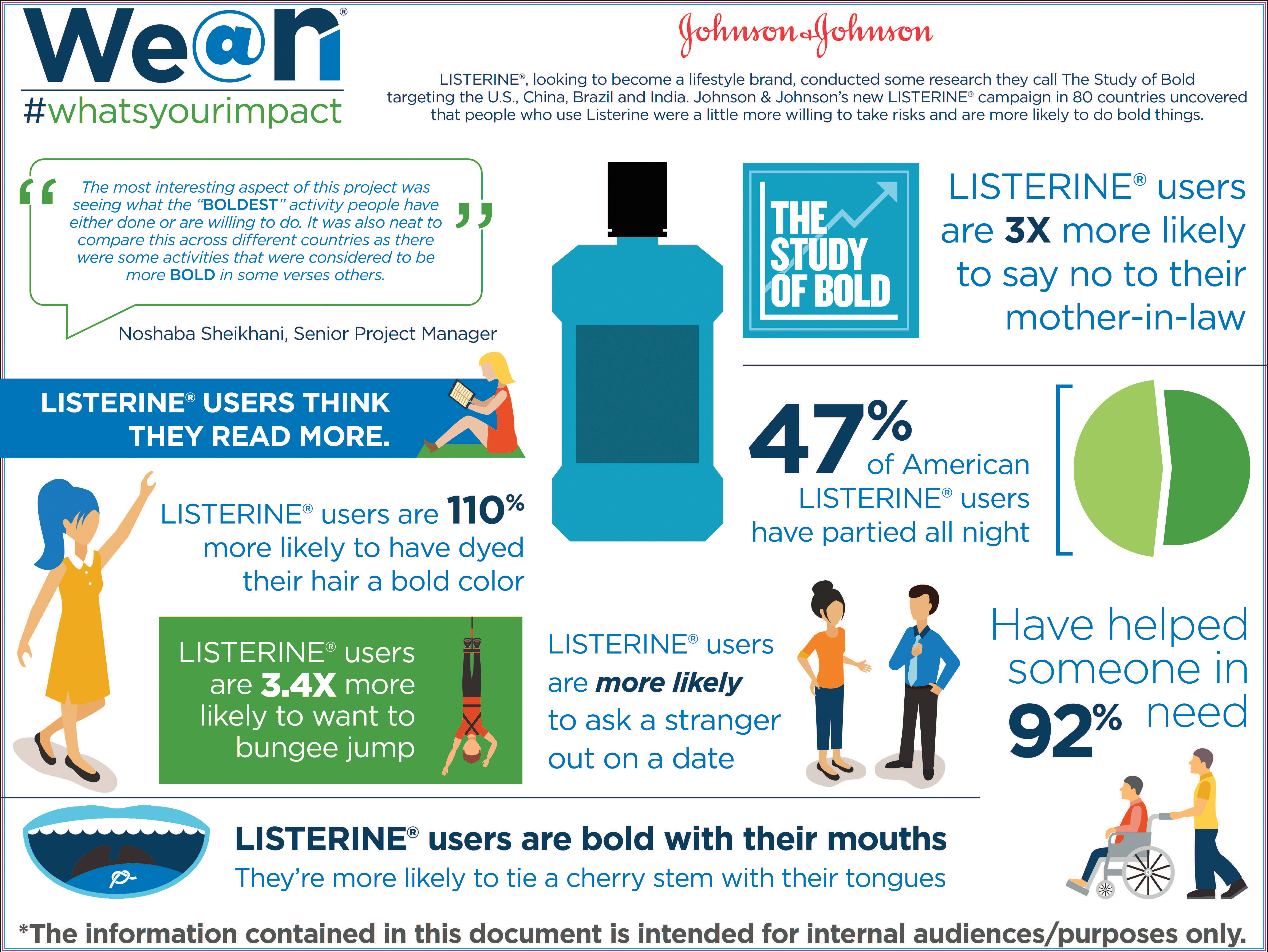
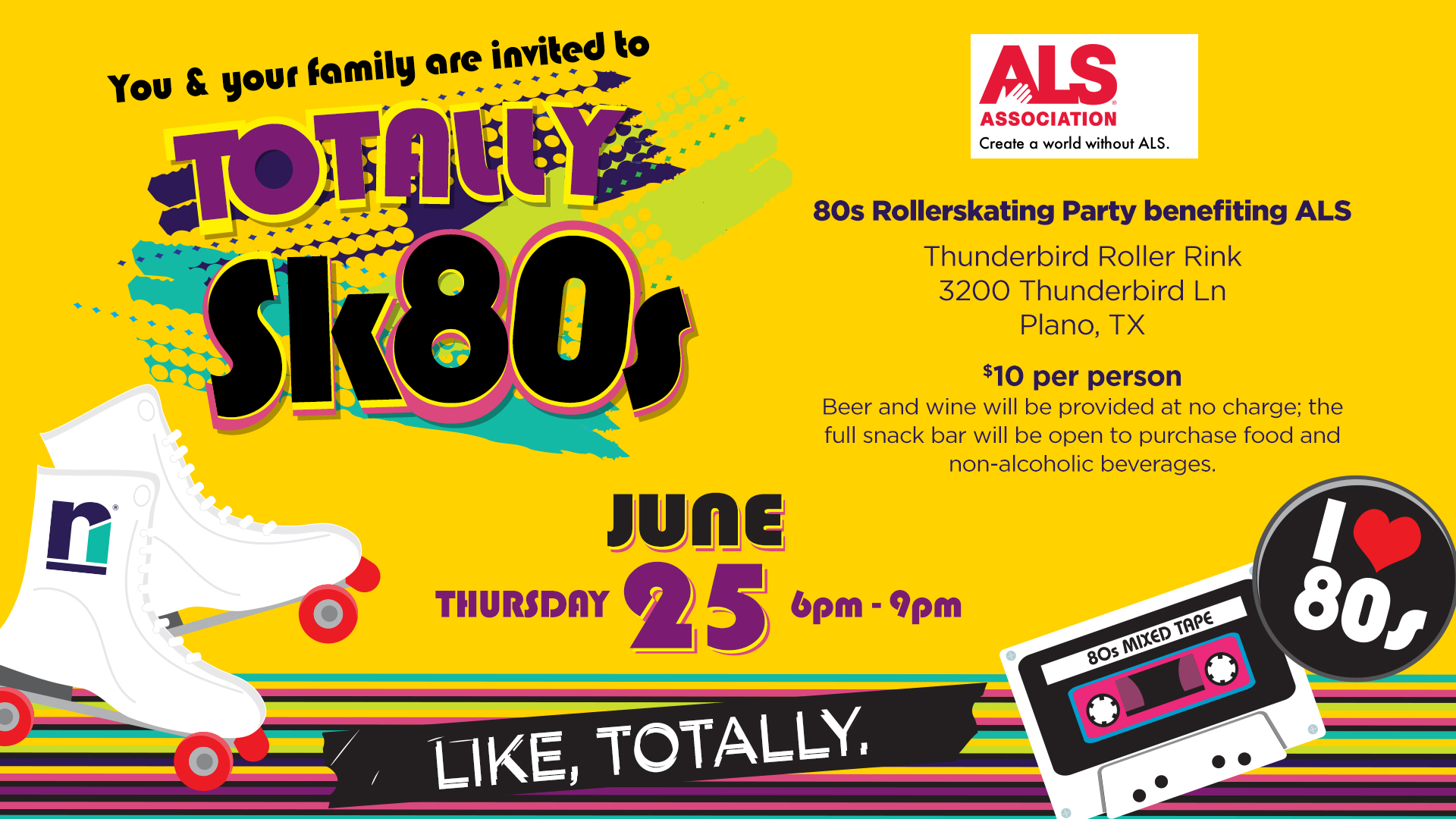
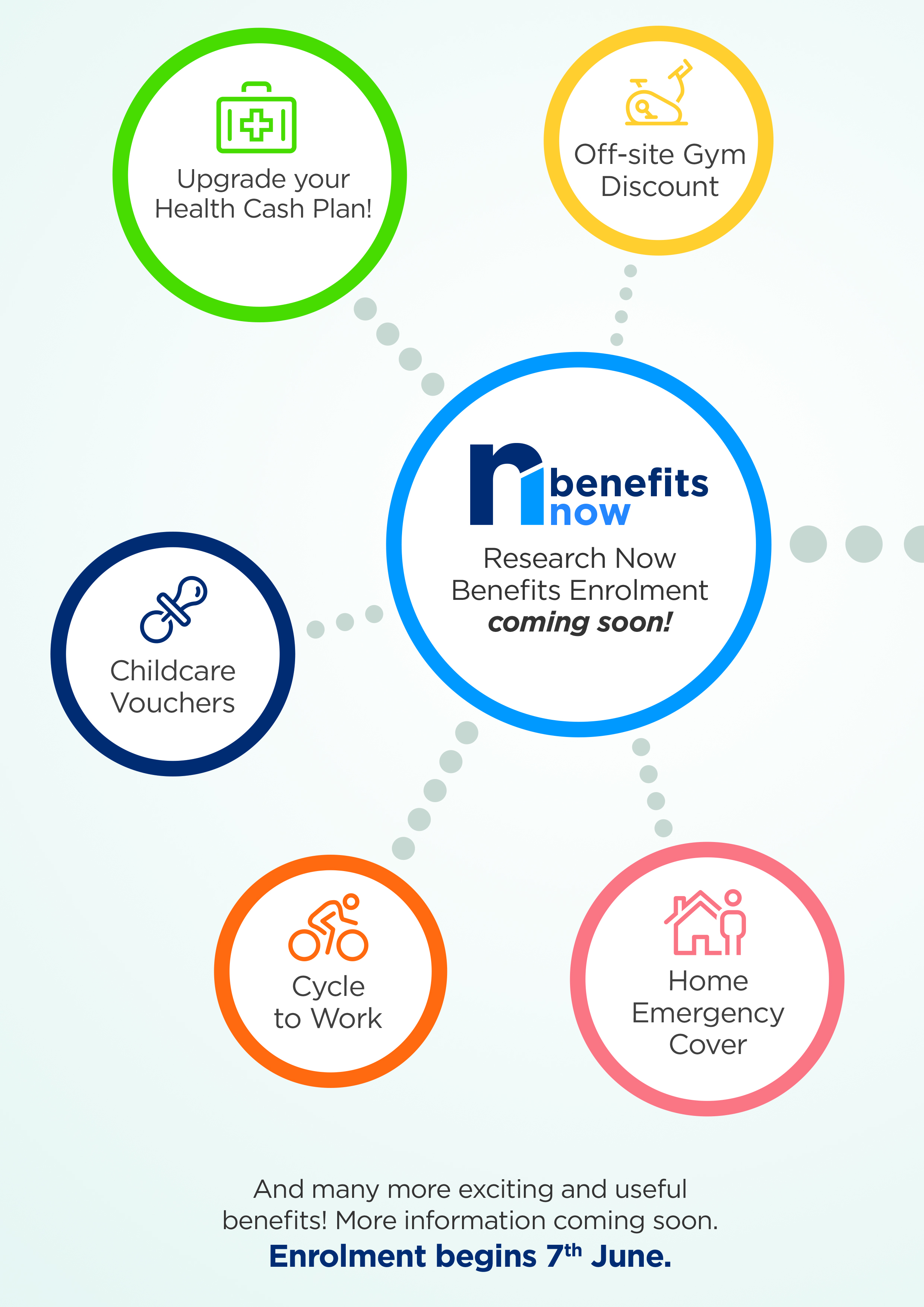
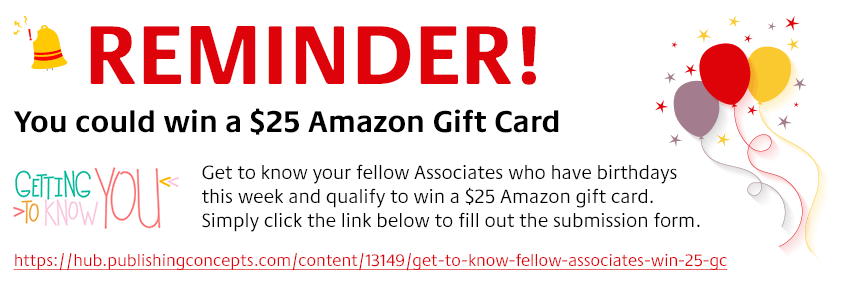
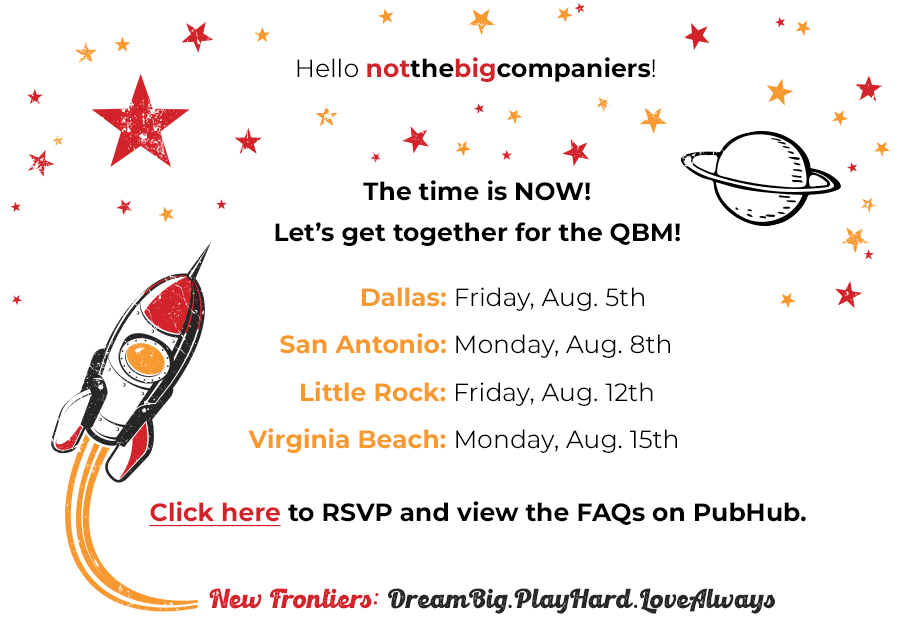
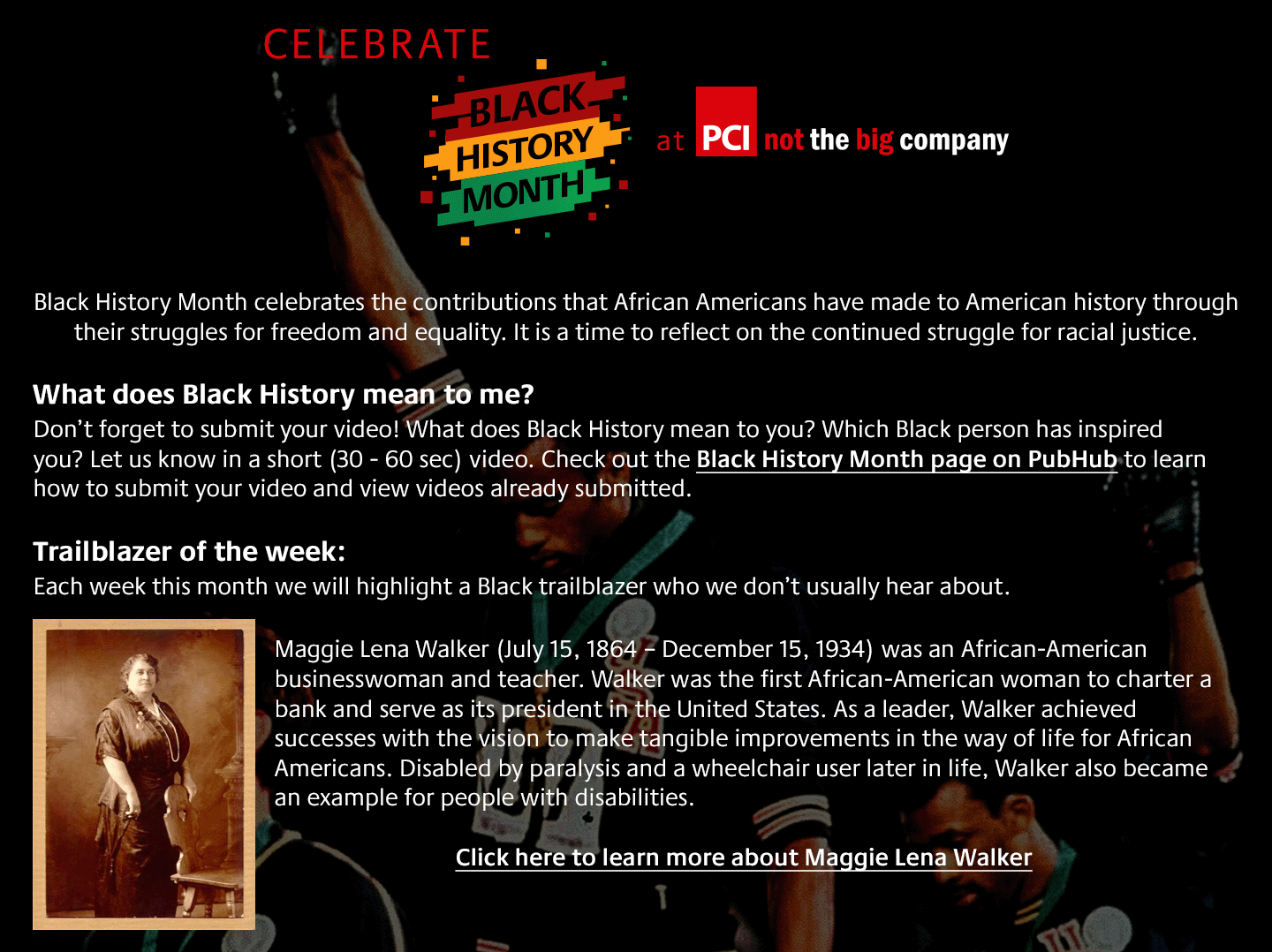
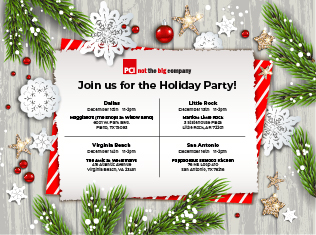
Employee communication often asks people to enroll, attend, participate, celebrate, remember, or change a behavior. The design has to make the purpose visible quickly while still feeling connected to the company and the moment.
These examples span benefits, quarterly meetings, employee recognition, culture programming, recruiting, and internal events. Some were printed; others lived in email, on LinkedIn, or on office screens.
Build it once. Make the next one easier.
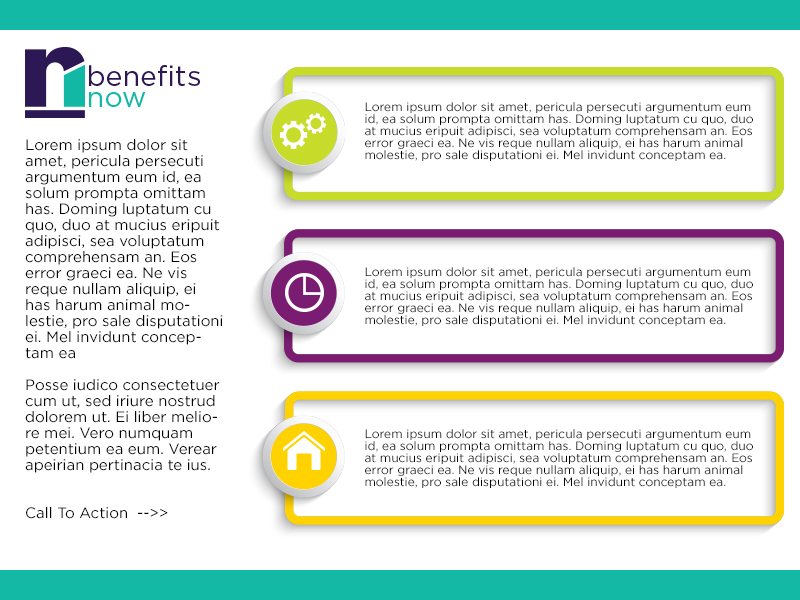
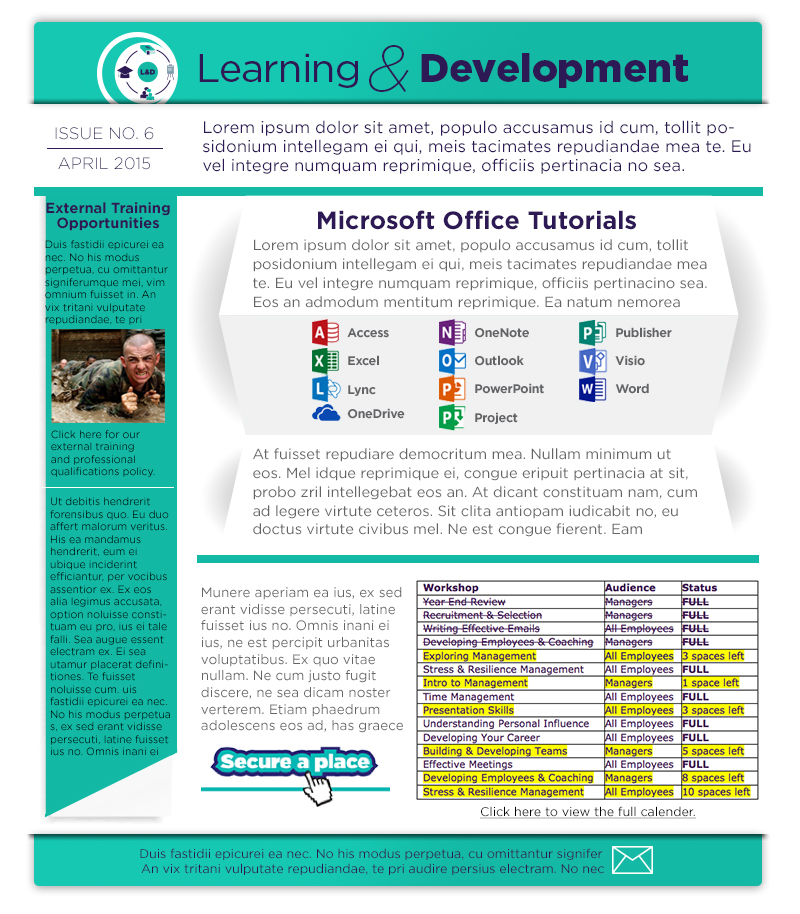
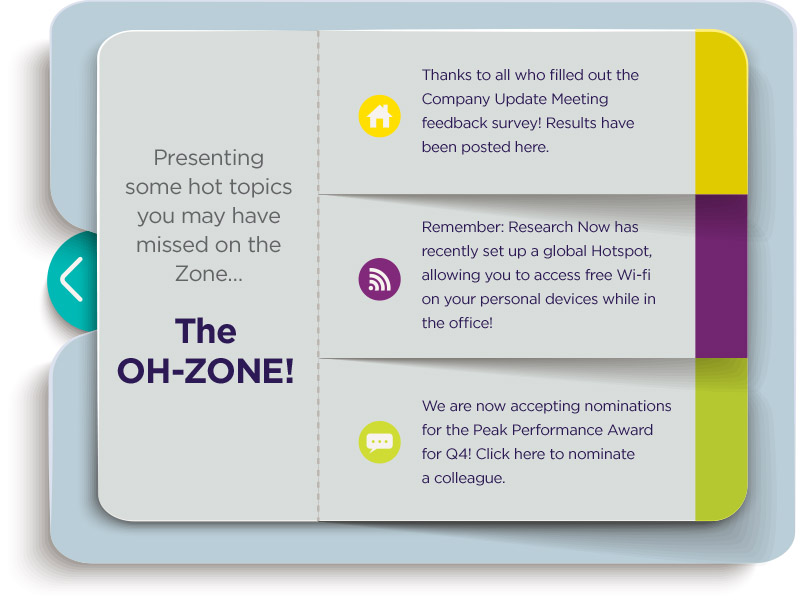
A good template gives people structure without making every communication look identical. At Research Now / Dynata and PCI, I created presentation systems, Outlook email layouts, newsletters, intranet templates, event materials, video graphics, and campaign standards for work that needed to happen again.
That foundation helped teams begin with an organized, brand-aligned format instead of rebuilding the delivery system every time the company had something to say.
Sometimes the presentation is only one part of the communication
For one confidential acquisition announcement, I had seven days to connect the leadership presentation, theater production, camera and audio feeds, remote employee experience, and replay workflow. What began as an improvised solution became a repeatable way for leadership to communicate with a global workforce—and earned me the CEO Award.
Need someone who can shape the message and build what carries it?
I’m especially interested in internal communications, employee experience, executive communications, presentation design, and culture-focused roles where clear thinking and hands-on production both matter.

